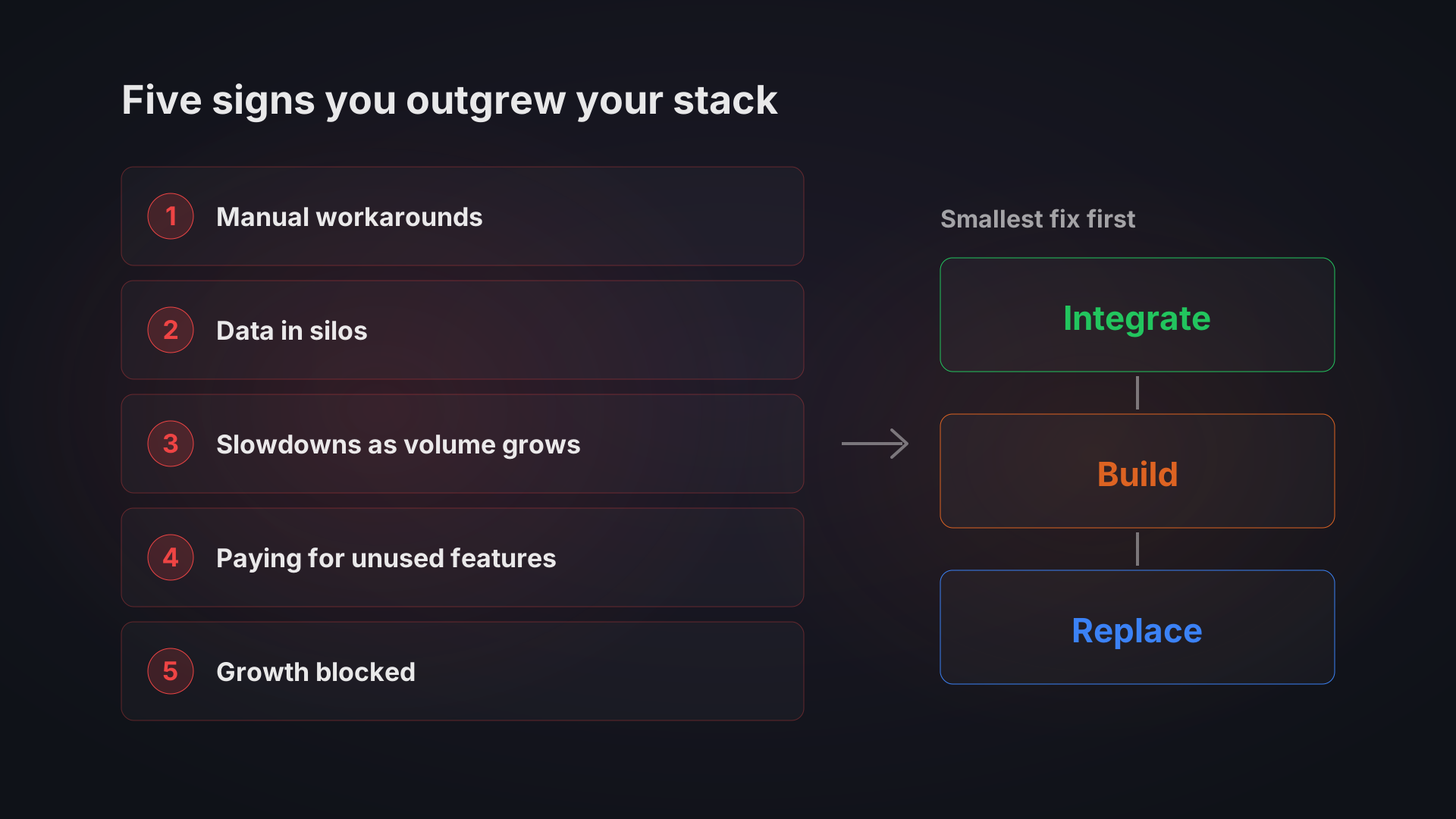
You have outgrown your tech stack when your team spends more time moving data between tools than using it, when no one can answer a basic business question without a spreadsheet, and when the software now dictates how you work. If two or more of the five signs below describe you, the fix is usually a targeted integration or a custom build for the one broken process. It is rarely a full replacement of everything.
The signs rarely arrive as a crash. They pile up: a manual workaround here, a mismatched report there, a growth plan that stalls because the software cannot support it. Most teams notice only after the cost has been running for a long time.
Below are the five signs, what each one looks like on the ground, a way to estimate its cost, and what to do about it. Further down is a short framework for deciding between integrating, replacing and building.
Sign 1: Your team spends more time on workarounds than on work
This is often the first sign and the easiest to miss, because the workarounds become normal. Someone re-keys orders from one system into another every morning. A manager exports a spreadsheet, fixes the columns and emails it around because the reporting tool cannot filter the way they need. A technician writes up a job on paper and types it in that evening, which is why field teams feel this first.
Watch for these patterns:
- Parallel spreadsheets kept next to the "official" system
- Copy-pasting between applications that do not talk to each other
- Staff who avoid a tool and keep their own private version of the data
Illustrative example: a 25-person wholesaler where three people each spend 45 minutes every morning syncing stock and orders between a web shop, a marketplace and the accounting tool. That is 2.25 hours a day, or about 47 hours in a 21-day month. At an assumed loaded cost of 400 CZK per hour (replace it with your own figure), that is roughly 18,900 CZK a month, or about 227,000 CZK a year, spent on copying numbers. A project that removes the copying, such as system extension, starts from 80,000 CZK.
What to do: list every recurring manual task and mark the ones that exist only because two systems are not connected. Those are integration candidates. Our guide to connecting business systems without replacing them covers the options. If the underlying data lives in spreadsheets, replacing Excel with custom software is the cleaner route.
Sign 2: Your data lives in silos and nobody sees the full picture
Sales data sits in one tool, finance in another, stock in a third. Each was adopted by a different team at a different time, and none was designed to work with the others. The result is that the same metric has two values depending on who you ask, and a month-end report takes days of manual consolidation.
A quick test: write down the three questions your leadership asks most often, such as profit per product line, which customers are late with payments, or what is really in stock. Count how many systems you need to open to answer each one. If the answer is more than one, you have a silo problem.
Our system aggregation case study walks through one way out: an integration layer on top of a warehouse system, a transport system, accounting, a CRM and an HR portal, with a shared data model and one dashboard, and none of the source systems replaced.
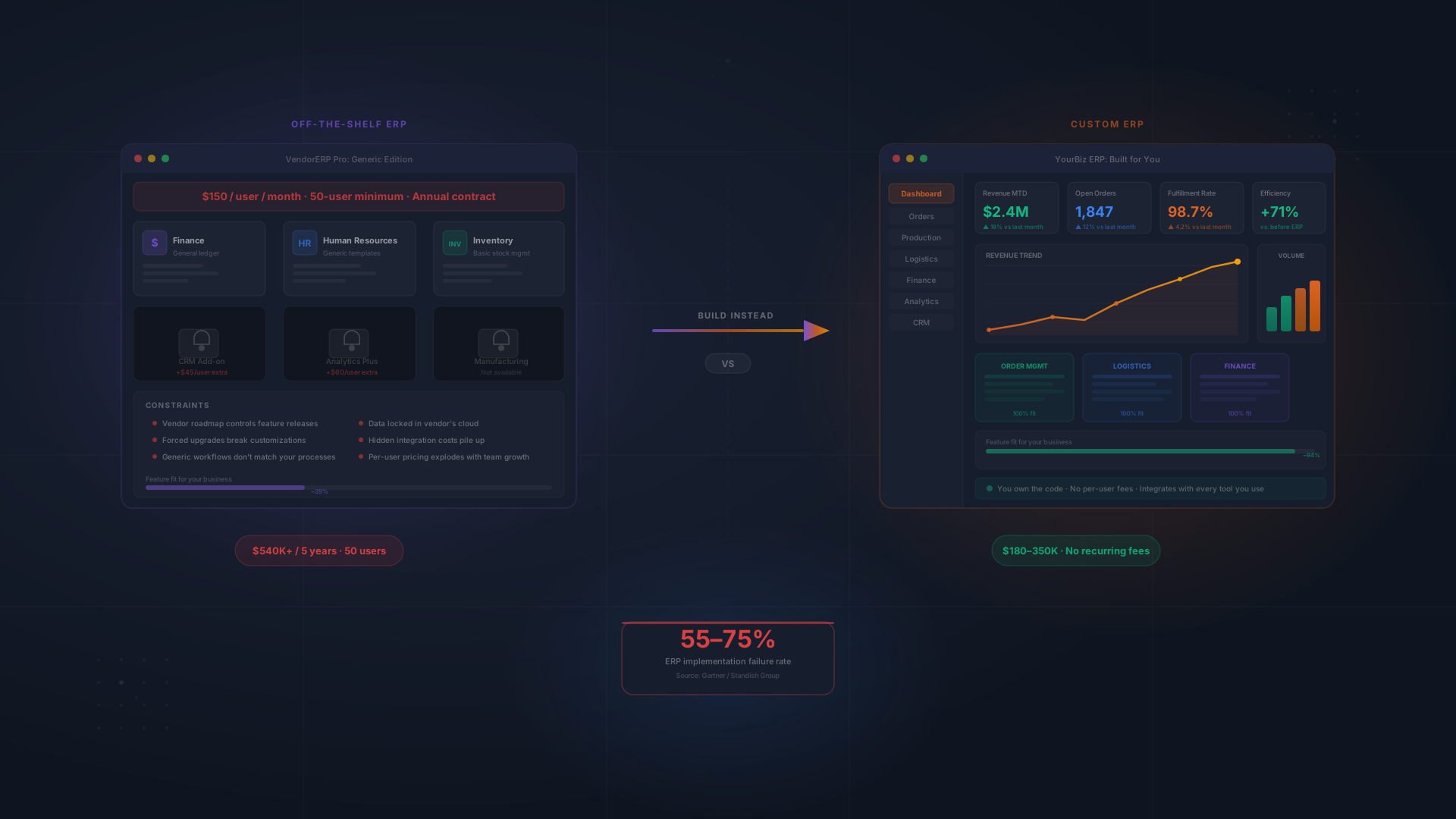
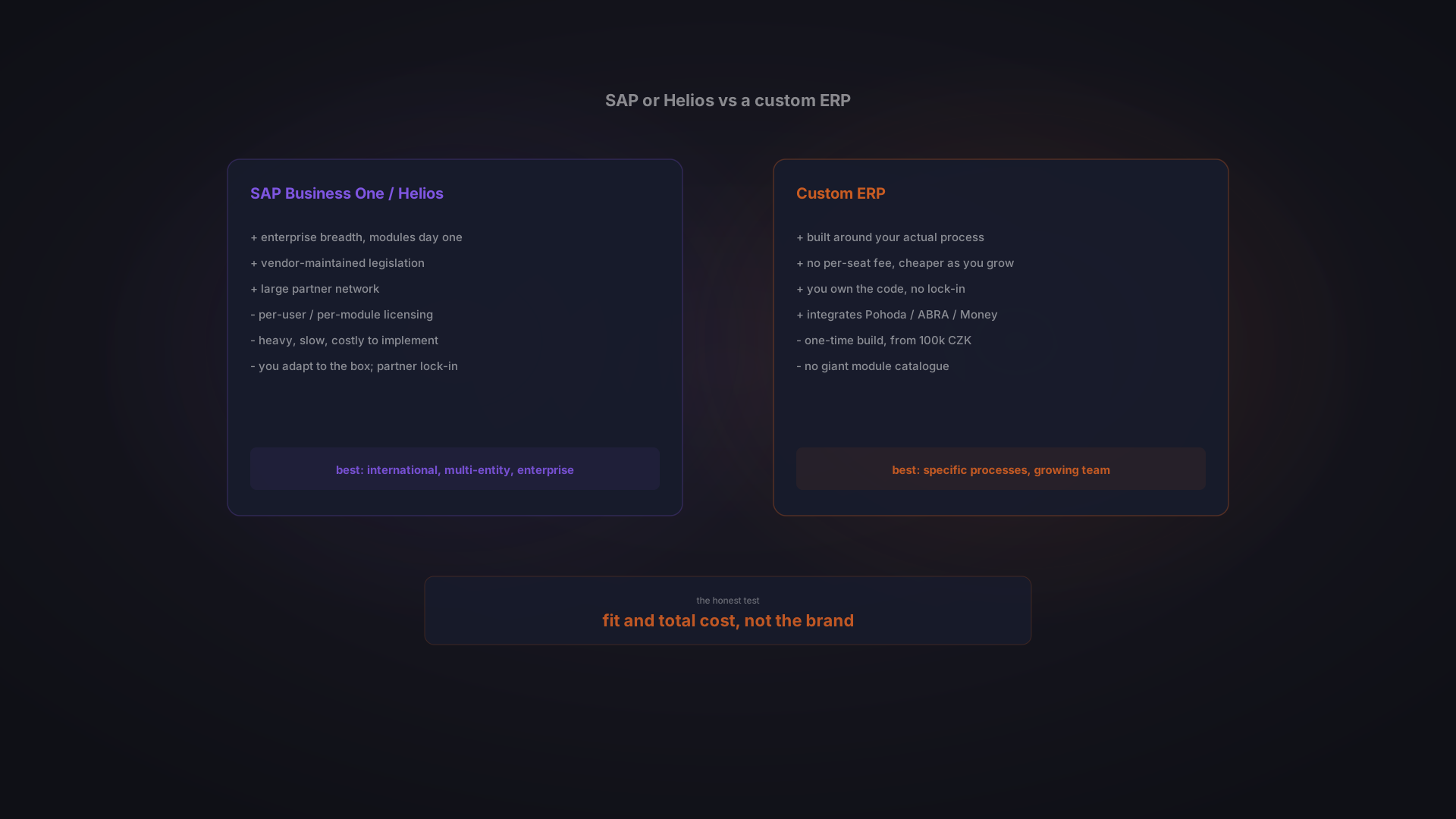
What to do: start with the two systems that are most tied together and connect those first. A unified data layer can be a dashboard, an integration layer, or a proper ERP system if the whole operation needs one place to live. Our guide to recognising when you need an ERP goes deeper on that last option.
Sign 3: Systems slow down or fail as volume grows
A tool built for five users can technically run for fifty, but it degrades in ways that cost money. Reports that took seconds now take minutes. The shop struggles during promotions. The app locks up when many people log in at once. Storage limits force you to archive data just to keep working.
The slowdown is gradual, so people adapt instead of complaining. They run reports at off-peak hours, stop using features that time out, and accept a worse tool than they had a year ago. Nobody measures it, so it never reaches a budget discussion.
What to do: run a capacity check on the three systems you depend on most. Find the documented limits for records, users, API calls and orders per day, then compare them to where you are now and where you plan to be in a year. Anything close to its limit on a critical system is a risk you can price today. Fixing it before a peak season costs less than fixing it during one. For shops, see how custom e-commerce is scoped.
Sign 4: You pay for features you do not use and lack the ones you need
SaaS vendors compete on feature count. The tool you bought for one purpose now has a dozen modules, a marketplace of add-ons and a price that rises with every tier. Meanwhile the one capability you actually need is not on the vendor's roadmap, so a spreadsheet fills the gap.
- Several subscriptions that each do a slice of one process
- Add-ons bought to patch missing basics
- Your team changing how it works to suit the software
Our custom CRM case study walks through the alternative: a CRM built around the real sales process, with its pipeline and reporting.
What to do: audit your top five tools. For each, note what it costs, which features your team really uses, and what workaround sits next to it. Then compare the combined cost with a build, using the SaaS vs custom ROI calculator. The honest answer is sometimes to keep the SaaS tool. Our post on when custom software beats SaaS lists where that line falls.
Sign 5: Your technology blocks your next growth move
The first four signs are operational. This one is strategic. You want to sell in a second country, but the system cannot handle multiple currencies or languages. You want to automate a process, but there is no integration layer to hook into. You want to try an AI assistant, but your data is scattered and inconsistent.
That last point matters more each year. Automation and AI need clean, accessible data as a starting point. A company that has its data in one place can add something like an AI customer support agent far sooner. A company with five disconnected tools has to fix the data first.
What to do: write down the most important growth initiative for the next twelve months. Then ask a plain question: can our current stack support it as it is, or does it need workarounds, extra integrations or a vendor negotiation before we can even start? If it is the second, the tech stack is no longer a back-office topic. It is a growth constraint, and it belongs in the planning conversation with the CEO.
Integrate, replace or build: how to decide
Once you recognise the signs, resist the urge to replace everything. Use this order, which is cheapest and least risky first.
1. Map what you have
List every tool, its owner, its monthly cost, what it connects to, and what someone does manually because it cannot. Many companies find tools nobody in management knew about and a few that duplicate each other. You can use our tech stack health check to structure this.
2. Define where you need to be in two to three years
Markets, volumes, products, integrations. Without this, you risk swapping one tool for another that soon hits the same ceiling.
3. Choose the smallest change that removes the pain
- Integrate when the tools are fine but disconnected. This is usually the fastest and cheapest fix. Bitvea scopes it as system extension: from 80,000 CZK, typically 1 to 3 months, and 4 to 6 weeks when connecting two or three systems.
- Build when the process is core to how you compete and no product fits. Custom software starts from 120,000 CZK and typically takes 2 to 5 months. A custom ERP starts from 100,000 CZK.
- Replace when a tool is genuinely end-of-life or a good off-the-shelf alternative exists. Plan the move carefully, starting with data migration.
Prices are Bitvea's starting points. The final number depends on the number of systems, integrations and the depth of the workflow. See how much custom software costs for the factors.
4. Migrate in phases
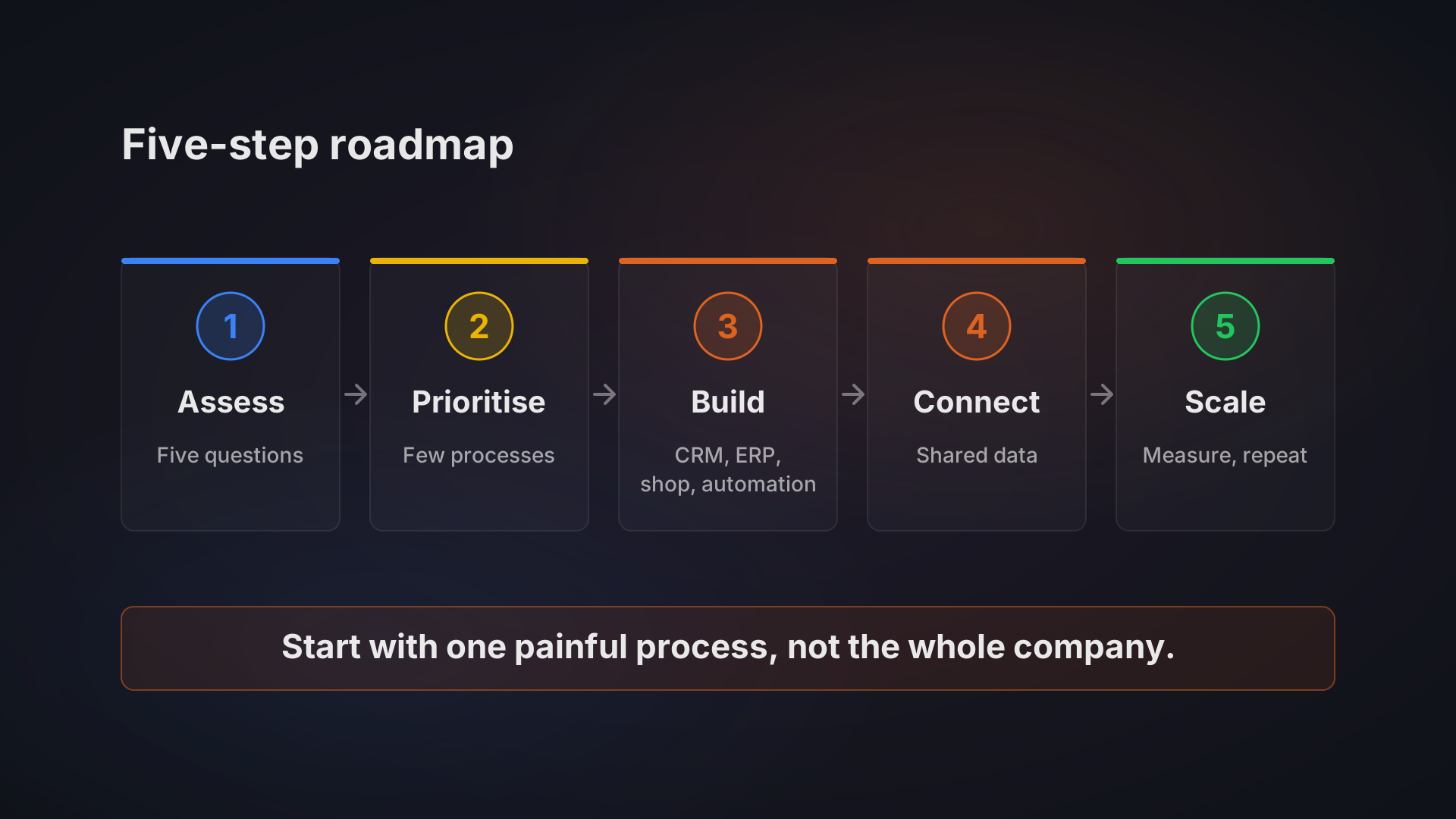
Do not switch everything on one weekend. Start with one process, run the old and new side by side for a period, then cut over. Our e-commerce order automation case study walks through how orders from several sales channels are moved onto one automated flow. A phased digital transformation roadmap helps you sequence this.
The cost of waiting
The five signs have one thing in common: the bill grows while nobody looks at it. Wasted hours, slower decisions, lost orders and postponed growth rarely appear as a line in the budget. If you want to see where the debt sits in your own stack, read about the true cost of technical debt.
If you recognised your business in two or more of the signs, talk to us. We start with a short conversation about your tools and processes, then tell you honestly whether you need integration, a build or nothing at all. See our custom software and ERP services, or book a call.